Article Nov 10, 2026, 02:58 AM
Why Do Companies Need Software to Create Digital Product Demos?
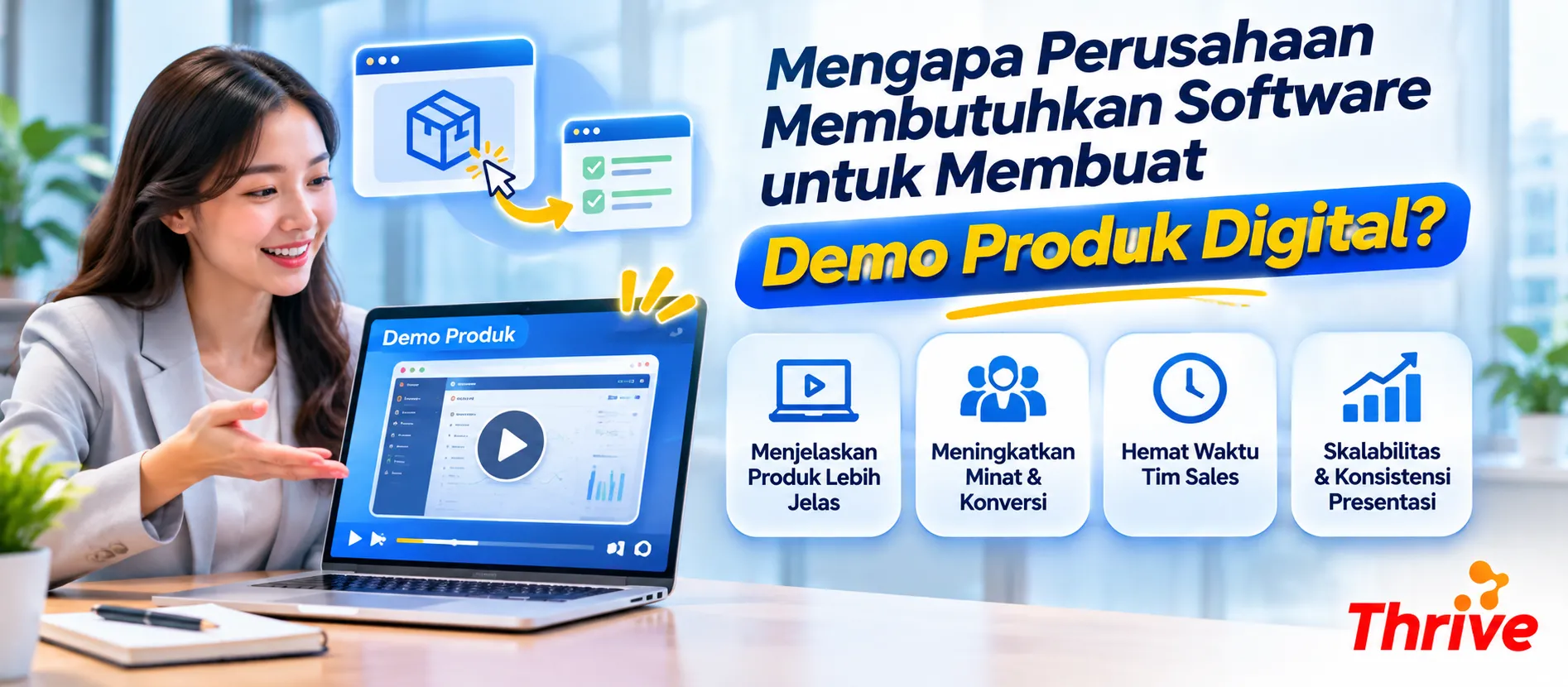
Companies need software to create digital product demos to convey information about the product, its features, and how to use it more clearly and easily. Digital demos help sales, marketing, and customer support teams explain products visually, eliminating the need for communication to rely solely on presentations or verbal explanations.
Why Do Companies Need Digital Product Demos?
Digital product demos help companies introduce products, explain usage flows, and give potential customers an idea before they make a decision.
In business, explaining technology-based products isn't always easy, especially when the product has numerous features, usage steps, or technical processes that potential customers need to understand.
Some of the obstacles that companies often face include:
Product description is less effective:Information delivered verbally can sometimes be difficult to understand, especially for products with complex usage processes.
Repeated presentation:The sales team must explain the features and how to use the product to many potential customers.
Limited training materials:Internal teams need visual guidance to learn how to use the software more consistently.
The onboarding process takes time:New users need direction to understand the product workflow.
If not addressed, these obstacles can increase the team's workload and slow down the communication process with customers.
How Does Software for Creating Digital Product Demos Help Companies?
Digital product demo creation software helps transform activity on a computer screen into visual material that can be used to explain a process or use of a product.
With this approach, companies can provide more structured and easily accessible demonstration materials as needed.
Some of the benefits include:
1. Facilitates Product Presentation
Sales teams can use visual demos to explain the product's usage process to potential customers. This helps them understand the product without having to attend a live demonstration.
2. Support Employee Training
Companies can use demo materials as a guide to using internal applications. Employees can learn specific steps through the prepared materials.
3. Assisting Customer Support
Demonstration materials can be used to explain how to use a feature or help users understand a specific process. This way, the support team has supporting materials when providing guidance to customers.
4. Maintaining Information Consistency
Structured demo materials help companies convey product information more uniformly, especially when used by multiple team members.
How Does Digital Demo Maker Software Work?
In general, digital demo creation software works by helping users record or document on-screen activity, then compiling it into demonstration materials.
The usage flow may include the following steps:
Determine the process you want to explain.Select the features, apps, or activities that need to be shown to users.
Record screen activity.Document product usage steps as needed.
Prepare demonstration materials.Organize the documentation results so that the flow is easier to understand.
Conduct an inspection.Make sure each step is correct and does not reveal sensitive information.
Using demo materials.Leverage the materials for presentations, training, documentation, or customer communication needs.
Recording, editing, and publishing capabilities may vary based on the software and license version used.
Get to know TurboDemo as a digital product demo creation software.
One of the software that can be considered for the needs of creating digital product demonstrations isTurboDemo.
TurboDemo is software that creates demos and tutorials based on on-screen activity. This solution can help companies create visual materials to introduce products or explain application usage.
In a business environment, TurboDemo can be considered to support several needs, such as:
Create a demonstration of application usage.
Prepare digital product presentation materials.
Compile visual guides for users.
Support internal documentation and training.
Help the sales team explain the product usage flow.
Before purchasing, companies should ensure the features available in the TurboDemo version offered, including device compatibility, demo processing capabilities, publishing options, and licensing terms.
Who Needs Digital Product Demo Software?
Digital demo creation software can be used by various company divisions that frequently convey information about products or work processes.
Some teams that can benefit from it include:
Tim Sales:Explain the features and how the product works to potential customers.
Tim Marketing:Prepare demonstration materials to support product promotion.
Tim IT:Create application usage guides and technical process documentation.
Tim Human Resources:Support employee training regarding the use of internal systems.
Tim Customer Support:Provide visual guides to assist customers.
What to Consider Before Choosing Software?
Before deciding on digital demo creation software, companies need to adjust their choices to their usage needs and budget.
Here are some things you should check:
Suitability of needs:Make sure the software supports its intended use, such as product demonstration, training, or documentation.
Ease of use:Consider whether the team can operate it without an overly complex learning process.
Compatibility:Check the support of the operating systems and devices used by the company.
Available features:Ensure recording, editing, and publishing capabilities are as needed.
License and fees:Check the license type, number of users, validity period, and terms of use.
Technical support:Consider the availability of assistance if the company experiences problems.
Companies can also evaluate options through a list. Cari License Softwareto help the process of searching and comparing software requirements.
How to Implement Digital Demo Software?
In order for implementation to run more smoothly, companies can start from the needs that most frequently arise in operational activities.
Here are the steps you can take:
Identify the process or product that requires demonstration materials.
Determine the divisions and users who will utilize the software.
Evaluate the features and licensing terms available.
Conduct a trial or evaluation before purchasing if available.
Set standards for creating demos so that the resulting material is consistent.
Evaluate the effectiveness of its use in business activities.
During the recording process, avoid displaying passwords, customer data, financial information, or confidential internal information.
Conclusion
Digital product demo creation software helps companies convey product information in a more structured way through visual materials. This solution can support sales, marketing, employee training, and customer support activities.
TurboDemo can be an option to consider for creating digital demos and tutorials. However, companies should still evaluate features, compatibility, and licensing terms before making a decision.
If your company is looking for software that suits its operational needs, you can do it. Cari License Softwareor view product selection via Katalog Software Thrive.
The Thrive team is ready to help provide information on license availability and software offerings according to company needs.
FAQ
1. What is the function of digital product demo creation software?
This software helps users create visual demonstration materials to explain features, processes, or how to use digital products.
2. Why are product demos important for companies?
Product demos help potential customers and employees understand how the product works more clearly and support consistency in information delivery.
3. What is TurboDemo?
TurboDemo is software to help create demos and tutorials based on activity on a computer screen.
4. Who is suitable for using TurboDemo?
Sales, marketing, IT, training, and customer support teams can consider it for product demonstrations and user guides.
5. How to choose the appropriate software license?
Companies need to consider feature requirements, number of users, compatibility, validity period, budget, and technical support before purchasing a license.
Related Articles
Also read other interesting information from us

General
How AI Hosting Improves Application Performance and Scalability
In today's fast-paced digital age, the need for intelligent, responsive applications capable of handling real-time user...

General
How to Make a Website that is Easy to Find on Google?
Just having a website is not enough if people have difficulty finding it on Google. So that your business website can ge...

General
Fatal Mistakes You Must Avoid When Creating a Website
Creating a website can be a big step in growing your business, but this process is also full of challenges. Many people...
Get Free Consultation
Discuss your company's IT needs with our customer support right now at
+62 822 9998 8870


