Article Oct 15, 2026, 07:28 AM
The Ultimate Toolkit for Enterprises: Document Processing with Discounts of up to 20%
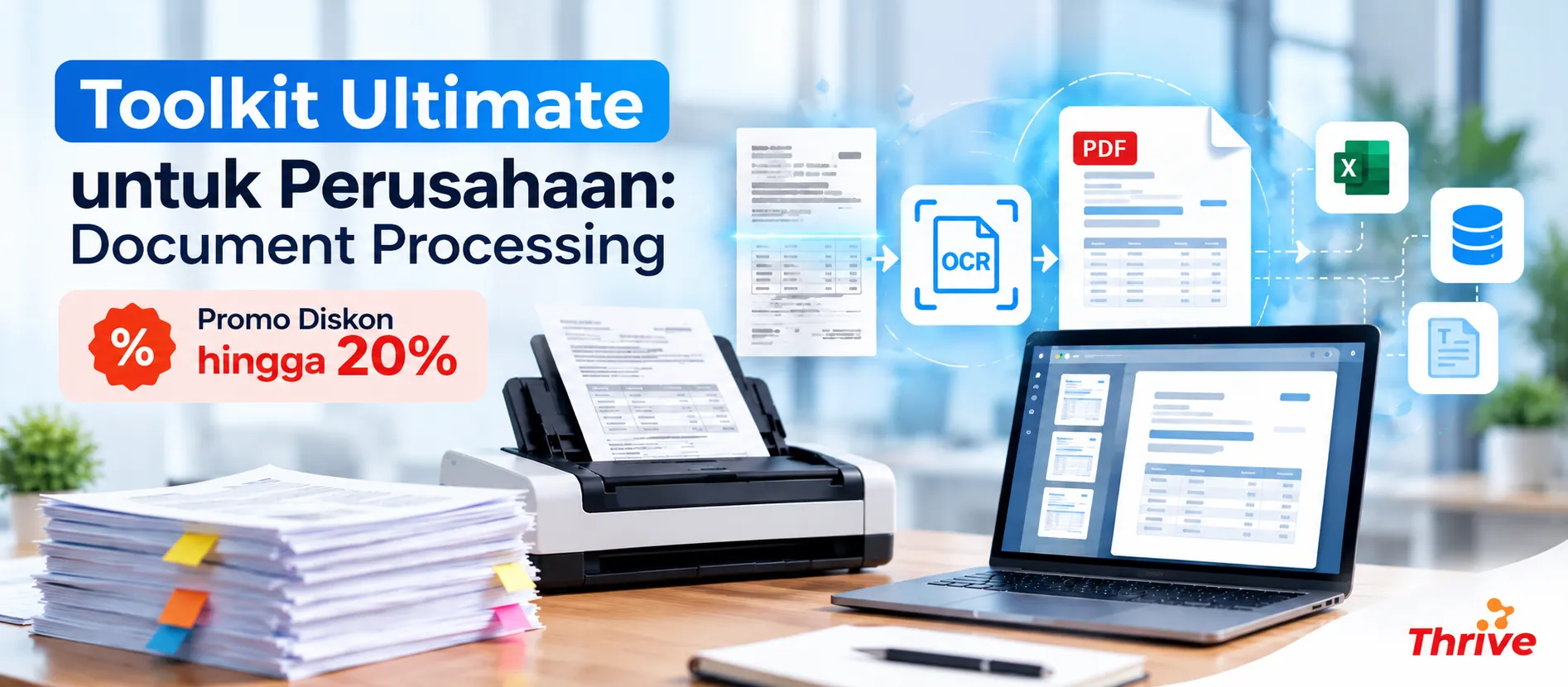
Document processing helps companies manage digital documents in a more structured way, from PDF processing to managing administrative workflows. By choosing the right software, companies can reduce manual work, improve data consistency, and support team productivity. If you're looking for a business solution, research through Cari License Softwareto compare options based on company needs, features, and budget.
Why Do Companies Need Document Processing?
Document processing helps companies manage documents more systematically, making information easier to find, review, and forward to the next process. This approach is relevant for businesses that manage numerous invoices, contracts, reports, forms, and operational documents on a daily basis.
Without a proper management system, companies can face a number of obstacles:
Repetitive manual work:Employees must check, change, and move information from one document to another.
Document search takes time:Files scattered across various folders and applications are difficult to find.
Risk of data errors:Manual copying of information can lead to data inconsistencies.
Collaboration is less efficient:The document review process can be hampered when multiple parties are involved.
Operating costs increase:Working time is consumed by repetitive administrative tasks.
Suboptimal document control:Companies struggle to ensure document access, versions, and status are managed consistently.
Therefore, companies need to evaluate their needs before selecting software. One of the first steps is to seek references through Cari License Software, then verify the appropriate product functions.
What Is Document Processing and How Does It Work?
Document processing is the process of managing digital documents through stages such as reading, classifying, transforming, validating, and storing information. The level of automation depends on the software capabilities and workflows implemented by the company.
In general, the process may include the following stages:
Document acceptance:Files come from emails, scans, digital forms, or internal systems.
Document processing:Users edit, merge, convert, or perform other available functions.
Information extraction:If supported, the software can recognize text or extract specific data from documents.
Validation:Information is checked to ensure completeness and accuracy.
Distribution and storage:Documents are forwarded to relevant parties or stored according to company procedures.
For example, a finance team can receive a digital invoice, verify the transaction information, and then forward it to the financial system. Full automation requires the appropriate features and integrations; traditional PDF processing applications don't necessarily provide all these capabilities.
What are the Benefits of Document Processing for Company Operations?
Document processing can help improve efficiency when companies have a repeatable and structured document management process. The benefits can be evaluated through processing time, error rates, application costs, and user productivity.
1. Reduce administrative work
Software with the right features can reduce the need to perform repetitive tasks, such as merging files, changing formats, or preparing documents for review.
Employees can allocate more time to work that requires analysis and decision-making.
2. Speed up information search
Well-organized digital documents are easier to search than files stored without any naming or grouping standards.
If a text search or OCR feature is available, users can also find specific information in the processed document.
3. Improve document consistency
Using appropriate processing procedures and features can help companies implement more uniform document standards. This benefits teams handling reports, proposals, forms, and administrative documents.
4. Support collaboration
Commenting, annotation, or document sharing features can help teams conduct collaborative reviews. If your company requires a formal approval process, ensure the software supports this functionality or can integrate with other systems.
5. Helps control costs
By evaluating license requirements and the number of licenses, companies can avoid purchasing unnecessary software. Cost assessments should include license prices, additional requirements, and time spent managing documents.
To compare relevant options, teams can use Cari License Softwareas an initial search reference.
What Features to Consider in Document Processing Software?
The required features depend on the type of document and the needs of each division. Companies should prioritize capabilities that can solve operational problems, rather than simply selecting software with the longest feature list.
Here are some capabilities worth evaluating:
PDF editing:Change the contents of the document according to the application's capabilities.
Merge and split PDF:Merge multiple files or separate specific pages.
Format conversion:Convert documents to other required formats.
OCR:Recognize text in scanned documents.
Data extraction:Retrieves certain information from a document if available.
Annotations and comments:Supports the inspection and record keeping process.
Document security:Helps protect files through available features, such as passwords or access restrictions.
Workflow integration:Connect document processing with other business systems where supported.
License management:Ensure the number of users and usage rights are in accordance with product provisions.
Not all software provides all of these capabilities. Therefore, companies should check official specifications and test priority features before purchasing.
Is the Ultimate Toolkit Worth Considering for Enterprise?
Toolkit Ultimate can be included in the evaluation list if its official functionality and specifications align with business needs. However, its specific capabilities should be verified first to prevent companies from assuming all document processing features are available within the product.
Before choosing the Ultimate Toolkit, check the following things:
Main functions and features included in the package.
Support for PDF processing and required document formats.
Availability of OCR or data extraction if required.
Compatibility with enterprise devices and operating systems.
Integration capabilities with other business systems.
License terms, number of users, updates, and technical support.
If a company only needs basic PDF processing, an application with these functions may be sufficient. However, if needs include automated data extraction and cross-system integration, companies need to ensure these capabilities are available or consider additional solutions.
To support the search process, visit Cari License Softwareand compare options based on business needs.
Who Needs Document Processing Software?
Document processing software is relevant for companies that handle a large amount of documents and want to improve administrative efficiency. Each division can utilize different capabilities based on its responsibilities.
Business Owners and Directors:Evaluating the benefits of software investment on business efficiency.
IT Manager dan IT Director:Ensuring compatibility, security, and integration needs.
Procurement:Compare offers and licensing terms.
Finance Manager:Supports management of invoices, reports, and transaction documents.
Operations Manager:Simplify document flow and reduce manual work.
HR and Legal:Manage administrative documents and important files according to access policies.
Before deciding on a product, the company can compile a list of the needs of each division and look for options through Cari License Software.
How to Choose and Implement the Right Software?
Software selection should be based on needs evaluation, feature testing, and licensing terms review. This step-by-step process helps companies reduce the risk of choosing the wrong product.
Step 1: Identify the main problem
Determine whether the company's challenges lie with PDF processing, document search, manual data input, collaboration, or system integration.
Step 2: Compile feature requirements
Separate mandatory features from optional features. This helps companies avoid costs for unused capabilities.
Step 3: Verify product specifications
Review official documentation, compatibility, feature limitations, and technical requirements. If considering Toolkit Ultimate, ensure the product's capabilities meet your defined needs.
Step 4: Evaluate licenses and fees
Compare pricing, license duration, number of users, updates, and technical support. Ensure the terms of use align with your company's needs.
Step 5: Test in real working process
Use documents and scenarios that represent everyday work. Assess ease of use, processing throughput, and fit with workflow.
Step 6: Measure the implementation results
Compare document completion time, error rates, costs, and software usage before and after implementation.
Companies can complete the evaluation process through Cari License Softwareand see katalog software Thriveto explore other options.
Get the Ultimate Toolkit for Enterprise with a Discount Promo of up to 20%
Choosing the right software can help companies manage documents more efficiently, reduce repetitive work, and boost team productivity. However, purchasing decisions should still be based on feature suitability, technical needs, and licensing terms.
Toolkit Ultimate can be considered after verifying the product's capabilities meet your company's needs. If you're interested in a discount of up to 20%, contact the Thrive team to confirm product availability, the latest pricing, and applicable promotional terms.
Start search through Cari License Softwareor visit katalog software Thriveto discuss software options that suit your business needs.
FAQ seputar Toolkit Ultimate dan Document Processing
1. What is document processing in a company?
Document processing is the process of managing digital documents, including processing, classification, information extraction, validation, and storage. The capabilities available depend on the software used.
2. What are the benefits of document processing for business?
Document processing can help reduce manual work, speed up document searches, improve information consistency, and support operational efficiency.
3. Does Toolkit Ultimate have document processing features?
Specific features of Toolkit Ultimate should be confirmed through official documentation or the product provider. Check PDF processing, OCR, integrations, and other required capabilities before purchasing.
4. How to choose a software license for a company?
Identify feature requirements and user base, then evaluate compatibility, security, expiration dates, technical support, and total cost of use. Ensure licensing complies with vendor requirements.
5. Is there a discount promotion of up to 20% for Toolkit Ultimate?
Discount offers of up to 20% are subject to confirmation based on product availability, promotional period, and applicable terms. Contact the Thrive team for the latest offer information.
SEO Metadata
SEO Title: The Ultimate Toolkit for Enterprise, Up to 20% Off
Meta Description: Discover the benefits of document processing for your business and consider Toolkit Ultimate. Learn about features, licensing, and discounts of up to 20%.
Suggested URL Slug: toolkit-ultimate-document-processing-perusahaan
Primary Keyword: Cari Lisence Software
Secondary/Semantic Keywords:
Toolkit Ultimate
Company document processing
Document processing software
PDF processing software
Digitization of business documents
Administration automation
Enterprise software licensing
Operational efficiency
Digital document management
Enterprise software promotion
Search Intent: Informational, Commercial, Transactional
Target Persona: Business Owner, IT Manager, IT Director, Procurement, Finance Manager, Operations Manager, and company decision makers in Indonesia.
Suggested Internal Links:
5 FAQ Questions:
What is document processing in a company?
What are the benefits of document processing for business?
Does Toolkit Ultimate have document processing features?
How to choose a software license for a company?
Is there a 20% discount promo available for the Ultimate Toolkit?
Suggested CTA: Consult your company's document processing needs with the Thrive team to verify Toolkit Ultimate features, evaluate licenses, and confirm discount offers of up to 20%.
Note before publication: Ensure discounts and promotional periods are still valid. Verify the Toolkit Ultimate specifications before claiming support for specific features.
Related Articles
Also read other interesting information from us

General
5 Key Benefits of Managing Data Well
In this increasingly digital business world, good data management is the key to success. Companies that are able to mana...

General
How Finance Teams Adapt to Technological Changes and New Business Models
Technological changes and new business models present both challenges and opportunities for finance teams in every compa...

General
Why is Website Creation Consultation Important for Business Owners?
In the ever-growing digital era, having a professional website is no longer an option, but a necessity for every busines...
Get Free Consultation
Discuss your company's IT needs with our customer support right now at
+62 822 9998 8870


