Artikel 25 Sep 2026, 01.30
Software Tidak Pernah Di-update? Jangan Tunggu Masalah Keamanan Muncul
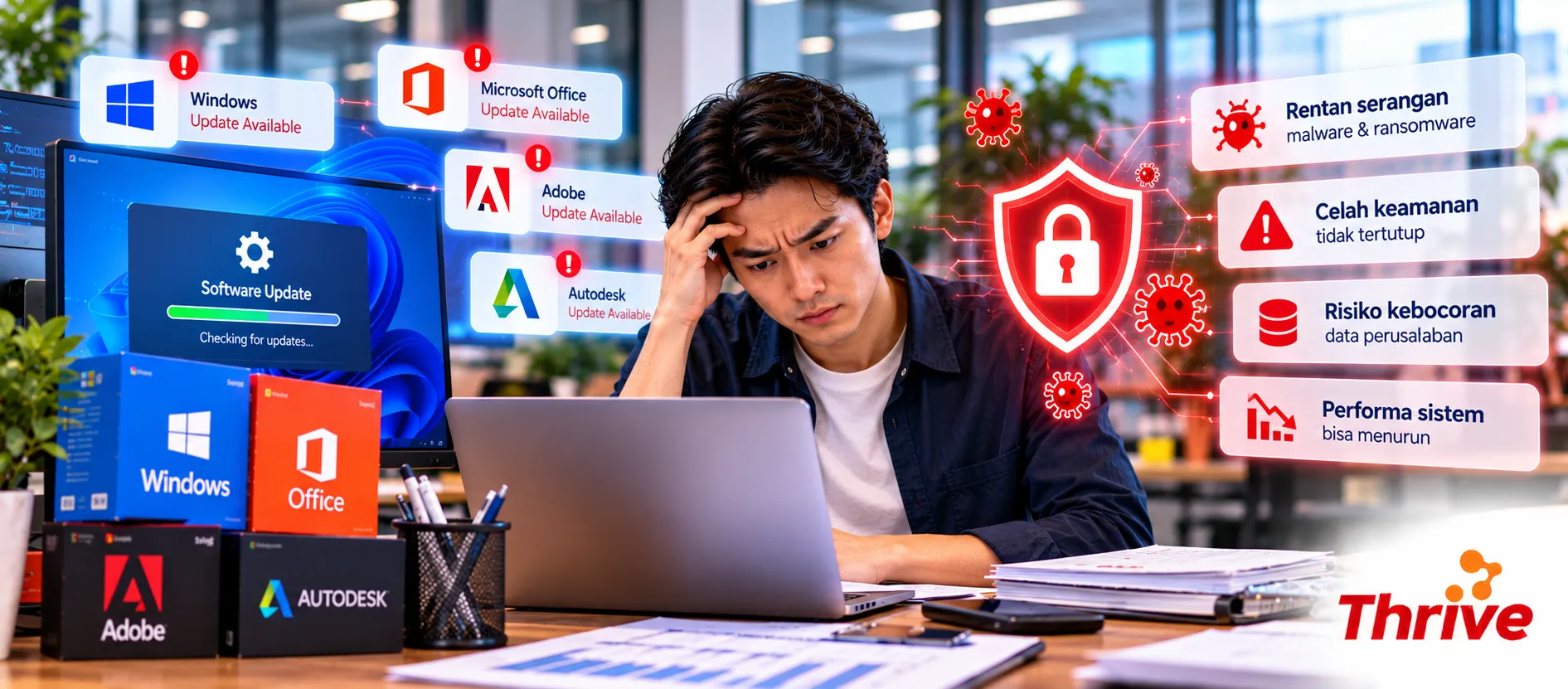
Software masih bisa dibuka bukan berarti kondisinya aman. Aplikasi yang berbulan-bulan tidak di-update bisa tertinggal dari security patch, perbaikan bug, dan peningkatan kompatibilitas yang dirilis vendor.
Karena itu, penggunaan software asli murah, sebaiknya dibarengi kebiasaan update yang terkontrol. Lisensi yang benar memberi fondasi yang baik, tetapi keamanan tetap membutuhkan patch management dan monitoring versi.
Masih Berfungsi, Kenapa Harus Di-update?
Update menutup vulnerability. Celah yang ditemukan setelah software dirilis biasanya diperbaiki melalui security patch.
Cek update minimal setiap bulan. Untuk sistem berisiko tinggi, patch kritis dapat membutuhkan tindakan lebih cepat.
Versi lama bisa kehilangan dukungan. Setelah End of Support, vendor dapat berhenti menyediakan patch.
Menggunakan software asli murah, tetap perlu diikuti pengecekan status versi dan support.
Jangan tunggu error atau serangan terjadi. Patch management bersifat preventif, bukan sekadar tindakan setelah insiden.
Apa yang Terjadi Jika Software Tidak Pernah Di-update?
Dalam praktik pengelolaan IT, update bukan sekadar menambahkan fitur baru. Banyak update dibuat untuk memperbaiki bug, vulnerability, performa, dan kompatibilitas.
Bayangkan perusahaan memiliki 50 komputer. Sebanyak 40 perangkat sudah menggunakan versi terbaru, tetapi 10 lainnya belum pernah diperbarui selama berbulan-bulan. Sepuluh perangkat tersebut dapat memiliki profil risiko yang berbeda karena patch yang terpasang tidak sama.
Maka, setelah perusahaan membeli software asli murah, pekerjaan tim IT sebenarnya belum selesai. Software perlu masuk ke proses inventarisasi dan update berkala.
Security Patch Bukan Update Biasa
Security patch secara khusus dibuat untuk memperbaiki kelemahan keamanan. Jika patch tersedia tetapi tidak dipasang, celah yang seharusnya sudah diperbaiki dapat tetap terbuka pada perangkat.
Ini juga alasan software asli murah, perlu dikelola bersama sistem operasi, browser, endpoint protection, dan aplikasi bisnis lainnya.
Namun, update tidak harus dilakukan sembarangan. Pada environment perusahaan, software asli murah, yang digunakan untuk proses kritikal sebaiknya diuji terlebih dahulu sebelum update diterapkan secara luas.
Contohnya, tim IT dapat melakukan pilot deployment pada 5 dari 100 perangkat. Jika tidak ditemukan masalah kompatibilitas, update kemudian diterapkan secara bertahap ke perangkat lainnya.
Software Lama Bisa Menjadi Technical Debt
Semakin lama update ditunda, semakin besar kemungkinan versi software tertinggal. Pada titik tertentu, upgrade juga bisa menjadi lebih kompleks karena perubahan versi, dependency, atau requirement sistem.
Perusahaan yang menggunakan software asli murah, sebaiknya mencatat versi aplikasi bersamaan dengan informasi user, device, lisensi, dan tanggal renewal.
Dengan cara ini, tim IT dapat mengetahui software asli murah, mana yang masih mendapatkan dukungan vendor dan mana yang perlu direncanakan untuk upgrade.
Jangan Abaikan End of Support
Ada perbedaan antara software yang masih bisa digunakan dan software yang masih didukung vendor.
Ketika produk memasuki End of Support, vendor dapat berhenti menyediakan security update untuk versi tersebut. Karena itu, sebelum mempertahankan software asli murah, dalam jangka panjang, periksa lifecycle produk dan kebijakan support vendor.
7 Langkah Sederhana Agar Update Tidak Terlupakan
Inventaris software dan versi pada seluruh perangkat.
Tentukan PIC untuk monitoring update.
Lakukan pengecekan patch minimal 1 kali per bulan.
Prioritaskan critical security update berdasarkan risiko.
Uji update pada beberapa perangkat sebelum deployment massal jika aplikasi bersifat kritikal.
Saat membeli software asli murah, cek lifecycle dan dukungan update dari vendor.
Review software asli murah, yang mendekati End of Support dan siapkan rencana upgrade.
FAQ
1. Apakah software harus di-update setiap kali ada versi baru?
Tidak selalu. Bedakan security update dengan feature update. Security patch biasanya memiliki prioritas lebih tinggi, sedangkan feature update dapat dijadwalkan setelah pengujian.
2. Seberapa sering perusahaan perlu mengecek update?
Sebagai baseline praktis, lakukan pengecekan minimal setiap bulan. Untuk vulnerability kritis, evaluasi dan penanganan dapat dilakukan lebih cepat sesuai tingkat risikonya.
3. Apakah software original yang tidak di-update tetap aman?
Tidak otomatis. Software asli murah, tetap membutuhkan update, konfigurasi keamanan, dan monitoring agar perlindungannya tetap relevan.
4. Kenapa perusahaan tidak boleh langsung update semua komputer?
Update tertentu bisa memengaruhi kompatibilitas aplikasi atau sistem lain. Untuk environment kritikal, lakukan testing pada beberapa perangkat sebelum deployment lebih luas.
5. Apa tanda software sudah terlalu lama?
Cek nomor versi, tanggal update terakhir, lifecycle produk, dan status support vendor. Jika sudah End of Support, pertimbangkan upgrade atau migrasi.
6. Apakah antivirus bisa menggantikan security update?
Tidak. Antivirus memberikan lapisan proteksi, sedangkan patch memperbaiki vulnerability pada software. Keduanya memiliki fungsi berbeda.
7. Apa yang harus dicek sebelum membeli software perusahaan?
Periksa tipe lisensi, kebutuhan user, kompatibilitas, mekanisme update, serta masa support. Dengan begitu, pembelian software asli murah, juga mempertimbangkan keamanan dan keberlanjutan penggunaan.
Update software seharusnya menjadi rutinitas, bukan tindakan darurat setelah masalah muncul. Pengelolaan software asli murah, yang baik perlu mencakup inventarisasi, monitoring versi, patch management, dan lifecycle management.
Dengan proses tersebut, software asli murah, tidak hanya membantu kebutuhan operasional perusahaan, tetapi juga menjadi bagian dari pengelolaan keamanan IT yang lebih terstruktur.
Artikel Terkait
Baca Juga Informasi Menarik Lainnya dari Kami

Umum
Lindungi Banyak Device Tanpa Mahal dengan McAfee Sharing
Di era digital saat ini, kebutuhan akan perlindungan perangkat semakin penting, terutama bagi pengguna dengan lebih dari...

Umum
Peran Pembukuan Digital untuk Bisnis yang Menggunakan Payment Gateway
Bisnis online yang menggunakan payment gateway sering menghadapi tantangan dalam pencatatan transaksi yang cepat dan ber...

Umum
Mau Performa Maksimal? Ini Alasan Mengapa Anda Harus Beli PC Rakitan Langsung!
Di dunia yang serba digital ini, memiliki PC dengan performa terbaik adalah sebuah kebutuhan, baik untuk beker...
Dapatkan Konsultasi Gratis
Diskusikan sekarang juga kebutuhan IT perusahaan Anda dengan customer support kami di
+62 822 9998 8870


