Artikel 22 Jun 2026, 01.34
Gunakan ClickUp Jika Bisnis Anda Mengelola Banyak Project dan Task
Kenapa Banyak Tim Mulai Pindah ke ClickUp?
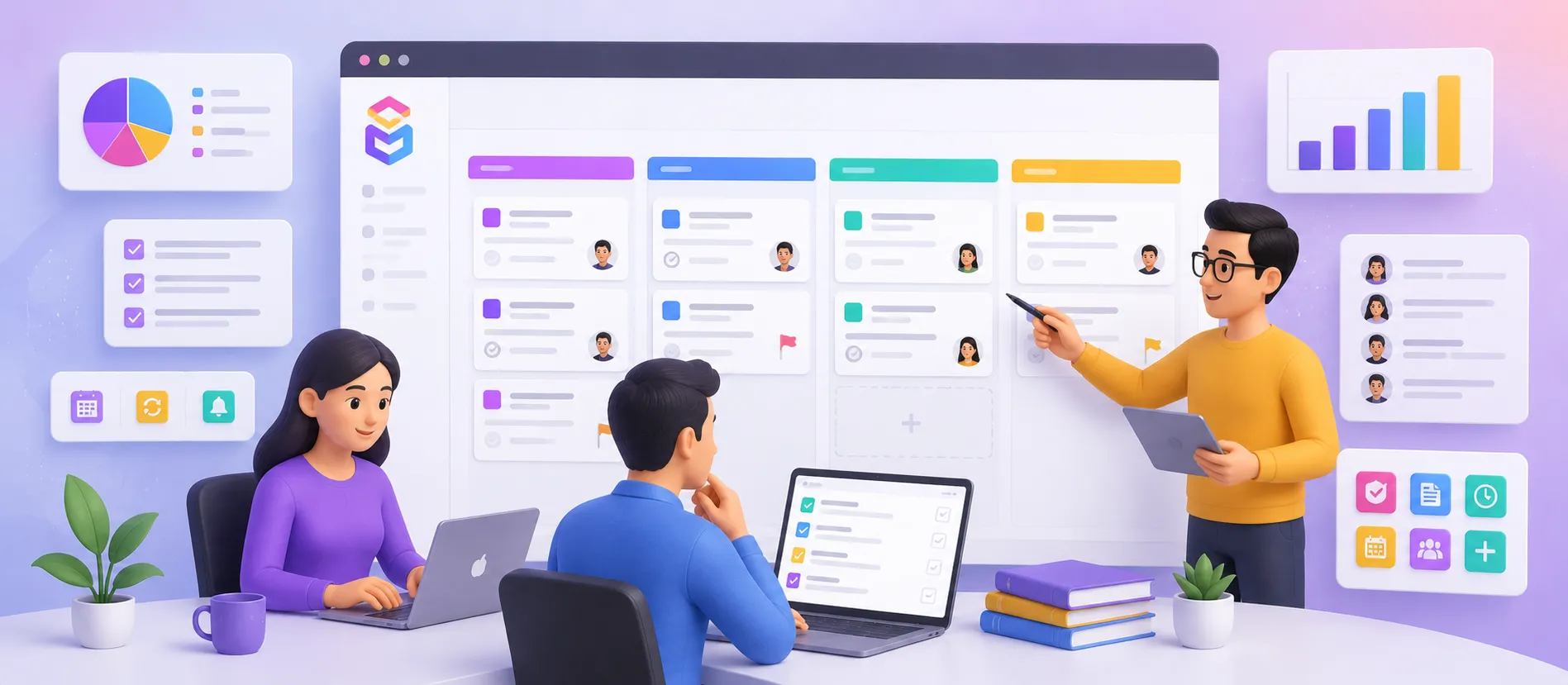
ClickUp cocok untuk bisnis yang mengelola banyak project, task, deadline, dan tim dalam satu platform.
Dalam 1 workspace, tim bisa mengatur task, dokumen, dashboard, chat, hingga time tracking.
Cocok untuk agency, software house, marketing team, operasional, hingga perusahaan multi-divisi.
Jika project mulai tercecer di WhatsApp, Excel, dan email, ClickUp bisa membantu merapikan workflow.
Pastikan perusahaan beli software original agar fitur premium, keamanan data, dan support tetap optimal.
Kenapa ClickUp Banyak Dipakai untuk Project Management Modern?
Banyak bisnis awalnya merasa spreadsheet sudah cukup untuk mengelola pekerjaan. Tetapi ketika jumlah task mulai ratusan, tim bertambah, dan deadline semakin banyak, masalah mulai muncul. Task lupa follow-up, file tercecer, progress tidak jelas, dan meeting jadi terlalu sering hanya untuk update status.
Di titik ini, platform seperti ClickUp mulai terasa penting.
ClickUp adalah project management platform yang menggabungkan task management, collaboration, documentation, dan reporting dalam satu sistem. Jadi tim tidak perlu pindah-pindah aplikasi hanya untuk cek pekerjaan harian. Dalam praktiknya, ini membantu mengurangi “context switching” yang sering membuat produktivitas turun.
Salah satu kekuatan terbesar ClickUp adalah fleksibilitas view. Tim bisa melihat pekerjaan dalam bentuk List, Board, Calendar, Timeline, hingga Gantt Chart. Untuk tim operasional dan project manager, fitur ini sangat membantu karena setiap divisi biasanya punya cara kerja berbeda.
Misalnya:
Tim marketing lebih nyaman memakai Board View seperti Kanban.
Tim management lebih suka Timeline atau Dashboard.
Tim operasional sering memakai List View untuk monitoring task detail.
ClickUp juga punya fitur automation yang cukup kuat. Contohnya:
Task otomatis berpindah status setelah approval.
Reminder otomatis sebelum deadline.
Assign task otomatis ke PIC tertentu.
Notifikasi ketika progress stuck lebih dari beberapa hari.
Dalam implementasi nyata, fitur seperti ini bisa mengurangi pekerjaan administratif harian secara signifikan. Karena itu banyak perusahaan mulai beli software original agar bisa menggunakan automation dan integrasi premium secara stabil.
Dari sisi kolaborasi, ClickUp cukup lengkap. User bisa comment langsung di task, mention tim, upload file, bahkan membuat SOP dan dokumentasi di dalam platform yang sama. Ini penting untuk perusahaan yang mengelola banyak client atau project paralel.
Apakah ClickUp cocok untuk semua bisnis? Tidak selalu.
Jika perusahaan hanya mengelola sedikit task sederhana, mungkin tool basic sudah cukup. Tetapi jika bisnis mulai memiliki:
banyak project berjalan bersamaan,
banyak approval,
banyak PIC,
dan deadline yang ketat,
maka ClickUp biasanya mulai terasa sangat membantu.
Hal lain yang sering dilupakan adalah reporting. Banyak manager kesulitan melihat workload tim secara real-time. ClickUp membantu dengan dashboard progress, workload monitoring, dan reporting otomatis. Dari pengalaman implementasi, visibility seperti ini biasanya langsung berdampak pada kecepatan follow-up dan accountability tim.
Namun, keberhasilan penggunaan ClickUp tetap bergantung pada struktur workflow. Jika task naming, status, dan ownership tidak jelas, platform secanggih apa pun tetap akan berantakan. Karena itu, sebelum implementasi, perusahaan perlu menyusun flow kerja yang rapi lalu beli software original dari partner terpercaya agar deployment lebih aman dan optimal.
Hal Penting Sebelum Menggunakan ClickUp
Tentukan struktur workspace, folder, dan project sejak awal.
Buat status task yang jelas agar progress mudah dipantau.
Tentukan PIC dan deadline untuk setiap task.
Gunakan automation untuk pekerjaan berulang.
Buat dashboard khusus management dan operasional.
Pisahkan task internal dan task client.
Gunakan template project agar pekerjaan lebih konsisten.
Pastikan perusahaan beli software original untuk mendapatkan fitur premium dan support resmi.
FAQ
1. Apa fungsi utama ClickUp?
ClickUp digunakan untuk mengelola project, task, deadline, dokumentasi, dan kolaborasi tim dalam satu platform.
2. Apakah ClickUp cocok untuk perusahaan kecil?
Ya. Bahkan tim kecil bisa memakai ClickUp untuk mengatur workflow agar lebih rapi sejak awal.
3. Apa kelebihan ClickUp dibanding spreadsheet biasa?
ClickUp memiliki automation, dashboard, tracking progress, reminder, dan collaboration real-time yang tidak dimiliki spreadsheet biasa.
4. Apakah ClickUp bisa dipakai lintas divisi?
Bisa. HR, marketing, sales, operasional, finance, hingga IT bisa menggunakan workspace berbeda dalam satu platform.
5. Apakah ClickUp mendukung mobile app?
Ya. ClickUp tersedia di desktop, web, Android, dan iPhone sehingga monitoring task bisa dilakukan dari mana saja.
6. Kenapa banyak perusahaan mulai memakai project management platform?
Karena jumlah task dan project semakin kompleks. Tanpa sistem yang jelas, follow-up dan koordinasi sering menjadi lambat.
7. Kenapa harus beli lisensi resmi ClickUp?
Dengan beli software original, perusahaan mendapat akses fitur premium, keamanan data, update resmi, dan support vendor yang lebih jelas.
8. Apakah ClickUp bisa diintegrasikan dengan aplikasi lain?
Bisa. ClickUp mendukung integrasi dengan Slack, Google Drive, Zoom, GitHub, dan banyak tools lainnya.
9. Apakah ClickUp cocok untuk agency atau software house?
Sangat cocok karena dapat mengelola banyak client, sprint project, approval, dan monitoring progress dalam satu dashboard.
10. Di mana bisa beli lisensi ClickUp resmi?
Perusahaan bisa beli software original melalui partner terpercaya agar proses aktivasi dan support lebih aman.
Artikel Terkait
Baca Juga Informasi Menarik Lainnya dari Kami

Umum
Apa Itu Cloud Storage dan Bagaimana Cara Kerjanya
Di era digital yang serba cepat ini, kebutuhan akan penyimpanan data yang aman dan mudah diakses semakin meningkat. Clou...

Umum
Mengenal VMware dan Perannya dalam Infrastruktur IT Modern: Masih Relevan untuk Perusahaan?
Saat perusahaan cari lisensi software, VMware sering muncul dalam pembahasan virtualisasi dan modernisasi data center. V...

Umum
Open Source dan Demokratisasi Teknologi di Indonesia
Perkembangan teknologi digital membawa dampak signifikan terhadap berbagai aspek kehidupan, termasuk bagaimana akses ter...
Dapatkan Konsultasi Gratis
Diskusikan sekarang juga kebutuhan IT perusahaan Anda dengan customer support kami di
+62 822 9998 8870


