Artikel 23 Jun 2026, 02.59
Canva, Figma, atau Adobe: Mana Software Design yang Paling Cocok untuk Bisnis Anda?
Pilihan Cepat Berdasarkan Kebutuhan Bisnis
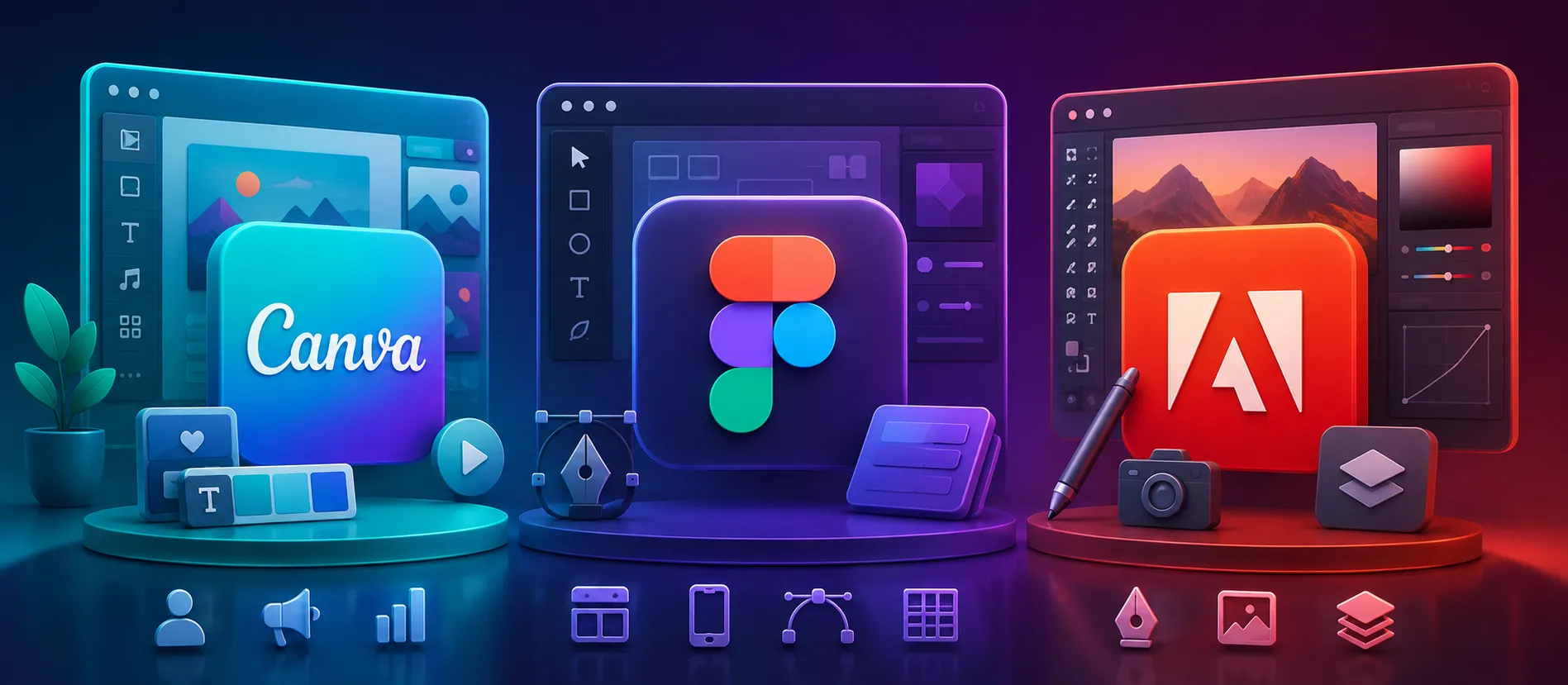
Canva cocok untuk tim marketing, sales, HR, dan UMKM yang butuh desain cepat dalam 5–15 menit.
Figma cocok untuk tim UI/UX, produk digital, website, aplikasi, dan kolaborasi desain real-time.
Adobe cocok untuk kebutuhan desain profesional seperti branding, video, ilustrasi, editing foto, dan produksi kreatif kompleks.
Jika tim Anda lebih dari 3 orang, pastikan lisensi resmi sejak awal melalui beli software original agar akses, file, dan aset kerja tetap aman.
Untuk bisnis, pilihan terbaik bukan yang paling populer, tapi yang paling sesuai dengan workflow harian.
Cara Praktis Memilih Software Design untuk Operasional Bisnis
Banyak bisnis bingung memilih antara Canva, Figma, atau Adobe karena ketiganya sama-sama populer. Padahal fungsi utamanya berbeda. Kesalahan memilih tools bisa membuat biaya lisensi membengkak, workflow lambat, dan hasil desain tidak konsisten.
Canva paling efektif untuk kebutuhan desain cepat. Contohnya posting Instagram, banner promo, company profile ringan, proposal visual, flyer event, dan template presentasi. Tim non-designer bisa langsung pakai karena tersedia banyak template. Untuk bisnis yang butuh produksi konten harian, Canva bisa menghemat waktu hingga 50–70% dibanding membuat desain dari nol. Karena itu, banyak tim marketing memilih Canva dan tetap memastikan lisensinya aman lewat beli software original.
Figma lebih tepat untuk bisnis yang punya produk digital. Misalnya website, mobile app, dashboard internal, landing page, atau sistem booking. Kekuatan Figma ada di kolaborasi real-time. Designer, developer, product owner, dan client bisa melihat file yang sama tanpa kirim file bolak-balik. Untuk project UI/UX, Figma jauh lebih efisien dibanding tools desain statis. Jika perusahaan Anda sedang membangun platform digital, penggunaan lisensi resmi melalui beli software original akan membantu menjaga akses tim tetap terkontrol.
Adobe adalah pilihan paling kuat untuk kebutuhan kreatif profesional. Photoshop cocok untuk editing foto detail. Illustrator cocok untuk logo dan vector. Premiere Pro cocok untuk video. After Effects cocok untuk motion graphic. InDesign cocok untuk layout majalah, katalog, atau company profile premium. Adobe memang punya learning curve lebih tinggi, tapi hasilnya lebih fleksibel untuk produksi skala serius. Untuk agency, creative house, dan brand besar, beli software original bukan sekadar legalitas, tapi bagian dari standar kerja profesional.
Dari sisi teknis, Canva unggul di kecepatan, Figma unggul di kolaborasi produk digital, sedangkan Adobe unggul di kedalaman fitur. Jadi, jangan pakai satu software untuk semua kebutuhan. Kombinasi yang sering dipakai bisnis adalah Canva untuk konten harian, Figma untuk UI/UX, dan Adobe untuk produksi kreatif premium.
Untuk bisnis kecil, mulai dari Canva sudah cukup. Untuk bisnis yang punya website atau aplikasi, tambahkan Figma. Untuk perusahaan yang serius membangun brand visual, Adobe hampir wajib. Saat skala tim mulai bertambah, gunakan beli software original agar akun tidak bercampur dengan lisensi pribadi karyawan.
Checklist Memilih Software Design yang Tepat
Pilih Canva jika kebutuhan utama adalah konten sosial media, banner, proposal, dan desain cepat.
Pilih Figma jika bisnis Anda mengerjakan website, aplikasi, landing page, atau prototype.
Pilih Adobe jika butuh editing foto, video, logo, vector, dan visual brand profesional.
Gunakan Canva untuk tim non-designer agar produksi konten lebih cepat.
Gunakan Figma jika banyak revisi dari client, developer, atau product team.
Gunakan Adobe jika output harus siap cetak, broadcast, atau campaign besar.
Jangan gunakan akun pribadi untuk kebutuhan perusahaan. Lebih aman lewat beli software original.
Hitung jumlah user aktif sebelum membeli lisensi.
Pisahkan kebutuhan desain harian, UI/UX, dan produksi kreatif.
Untuk procurement perusahaan, dokumentasikan lisensi melalui beli software original.
FAQ
1. Apakah Canva cukup untuk bisnis?
Cukup untuk konten marketing harian, presentasi, flyer, dan materi promosi ringan. Namun untuk desain kompleks, Canva punya batasan.
2. Kapan bisnis harus pakai Figma?
Saat bisnis mulai membuat website, aplikasi, dashboard, atau butuh prototype interaktif. Figma membantu tim desain dan developer bekerja lebih rapi.
3. Apakah Adobe masih relevan untuk bisnis?
Masih sangat relevan. Adobe tetap menjadi standar untuk editing foto, video, ilustrasi, branding, dan desain profesional.
4. Mana yang paling hemat untuk tim kecil?
Canva biasanya paling hemat untuk tim kecil karena mudah digunakan dan tidak butuh skill desain tinggi. Namun tetap gunakan beli software original agar legal dan aman.
5. Apakah bisa memakai Canva, Figma, dan Adobe sekaligus?
Bisa. Bahkan ini kombinasi ideal untuk banyak perusahaan. Canva untuk konten cepat, Figma untuk produk digital, Adobe untuk produksi kreatif premium.
6. Kenapa perusahaan perlu lisensi resmi?
Lisensi resmi melindungi data, akses file, aset brand, dan menghindari risiko audit software. Untuk perusahaan, beli software original adalah langkah preventif yang lebih murah daripada risiko operasional.
7. Apakah Figma bisa menggantikan Adobe?
Tidak sepenuhnya. Figma kuat untuk UI/UX, tapi tidak menggantikan Photoshop, Illustrator, Premiere Pro, atau After Effects.
8. Software mana yang paling cocok untuk tim marketing?
Canva paling praktis untuk tim marketing. Namun jika campaign membutuhkan video, visual premium, atau aset brand kompleks, Adobe tetap dibutuhkan. Untuk kebutuhan procurement, gunakan beli software original.
9. Software mana yang cocok untuk startup digital?
Figma adalah pilihan utama untuk startup digital karena mendukung prototype, design system, dan kolaborasi cepat. Untuk kebutuhan legalitas tools, startup tetap disarankan beli software original.
10. Apa rekomendasi final untuk bisnis?
Gunakan Canva untuk kecepatan, Figma untuk produk digital, dan Adobe untuk kualitas produksi. Agar aman secara legal dan operasional, lakukan pengadaan melalui beli software original, terutama jika dipakai oleh banyak user dalam perusahaan.
Artikel Terkait
Baca Juga Informasi Menarik Lainnya dari Kami

Umum
Evolusi Pembukuan di Era Marketplace: Dari Manual ke Otomatis
Perkembangan marketplace mendorong perubahan besar dalam cara pelaku usaha mengelola pembukuan. Jika sebelumnya pencatat...

Umum
Cara Mudah Memilih Jasa Revamp Website yang Tepat untuk Anda
Memilih jasa revamp website yang tepat bisa menjadi langkah penting dalam memperbarui tampilan dan performa website...

Umum
ThriveTech Insights Series 1.0 : “Pondasi Bisnis Kuat Dengan Data Keuangan Akurat”
Gratis Daftar untuk 20 Peserta UtamaThriveTech Insights Series dengan bangga mempersembahkan seminar bertajuk “Pond...
Dapatkan Konsultasi Gratis
Diskusikan sekarang juga kebutuhan IT perusahaan Anda dengan customer support kami di
+62 822 9998 8870


